Friday, February 27, 2015
Week 24 - Clip Art or Pictures
Friday, February 20, 2015
Week 23 - Inserting Clip Art
Pictures can really help a story. But what should you do if you don't have any pictures? Sounds like a job for clip art! This week the first graders found clip art to go with a variety of words that I gave them. And when that was finished, the students came up with their own words and inserted clip art for those words. Before I knew it, the room was filled with princesses, ice cream, sharks, and lions. I think I even saw a squid!
Friday, February 13, 2015
Week 22 - Inserting Pictures
Pictures are a great way to help communicate an idea. And they're really helpful when it comes to "how to" guides. So we added pictures to our PB&J instruction manual, importing them from our Shared drive. If only all instruction manuals were this clear!
Friday, February 6, 2015
Week 21 - Basic Computer Skills Assessment
Remember this from back in Week 4? It's an assessment of basic computer skills that I gave the first graders to see what skills they know and which need extra focus throughout the year.
Students were given a printed copy of the page on the left. Then they opened a digital copy of the page on the right. They were asked to make the digital version look like the printed version. The skills we focused on include typing, type formatting, copy and paste, and drag and drop. These are foundational skills for success in a digital society, as well as on newly computerized standardized tests.
I'm happy to announce that the Baker first graders did an AMAZING job! I was pleasantly surprised by the results and encouraged to see that we've seen some substantial growth in the computer skills of our first grade students. Keep up the great work, gang! More fun ahead as we continue to see all the cool things that computers can do. I'm so proud of you!!!!
Friday, January 30, 2015
Week 20 - Copy and Paste BINGO!
It was time we put our copy and paste skills to good use with a good ol' game of BINGO! Each student had a unique digital BINGO card on their computer with pictures of rockets, stars, Hello Kitty, minions, penguins, etc. and words like dog, goat, jar and barn. I spun the randomizer wheel on my iPad, and if one of the elements from your card came up, you had to copy that element from one page and paste it into place on your BINGO card. It's a new twist on an old favorite. And unlike most BINGO games, the energy level was quite high here! Personally, I had a ball too!
Saturday, January 24, 2015
Week 19 - Cut/Copy and Paste


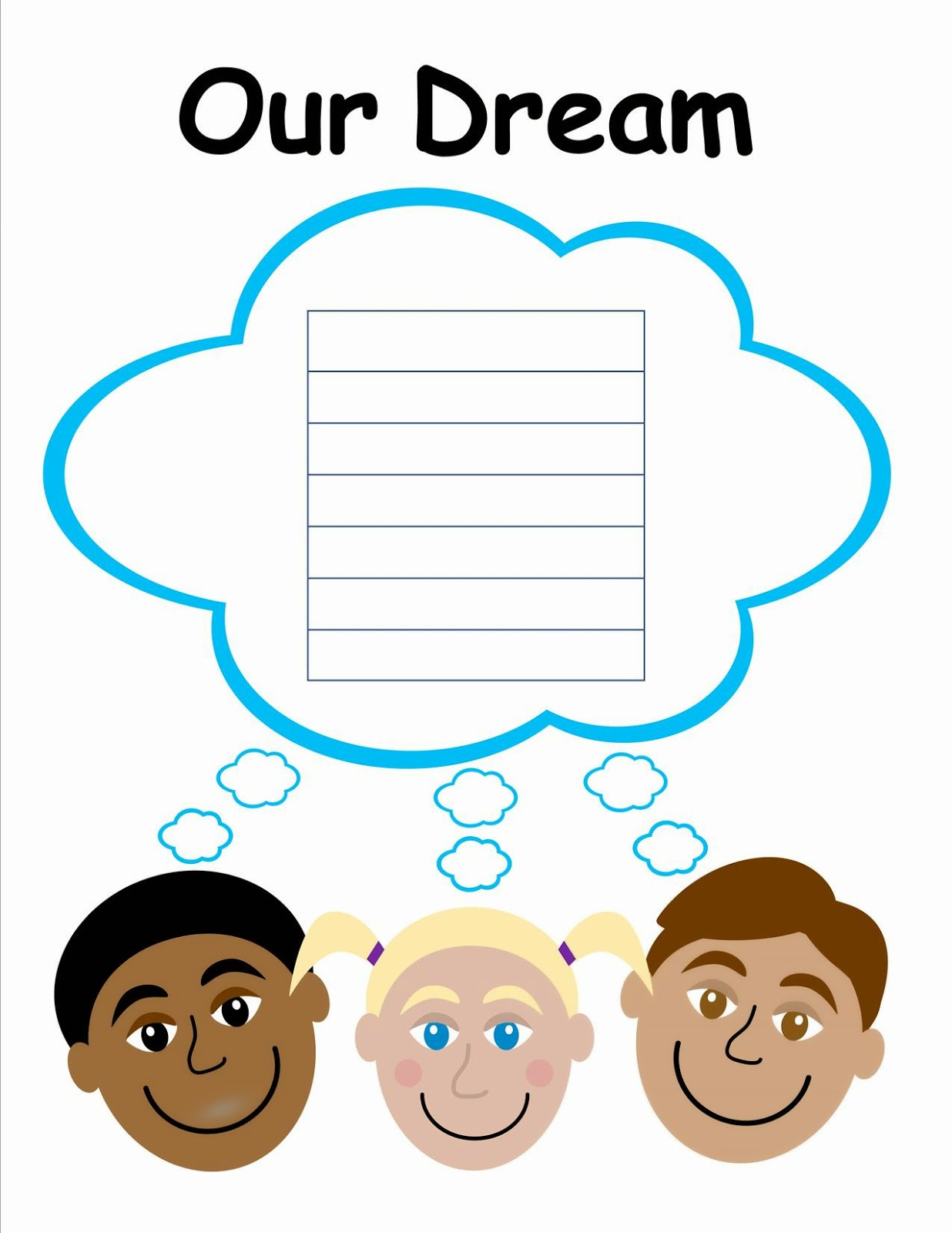
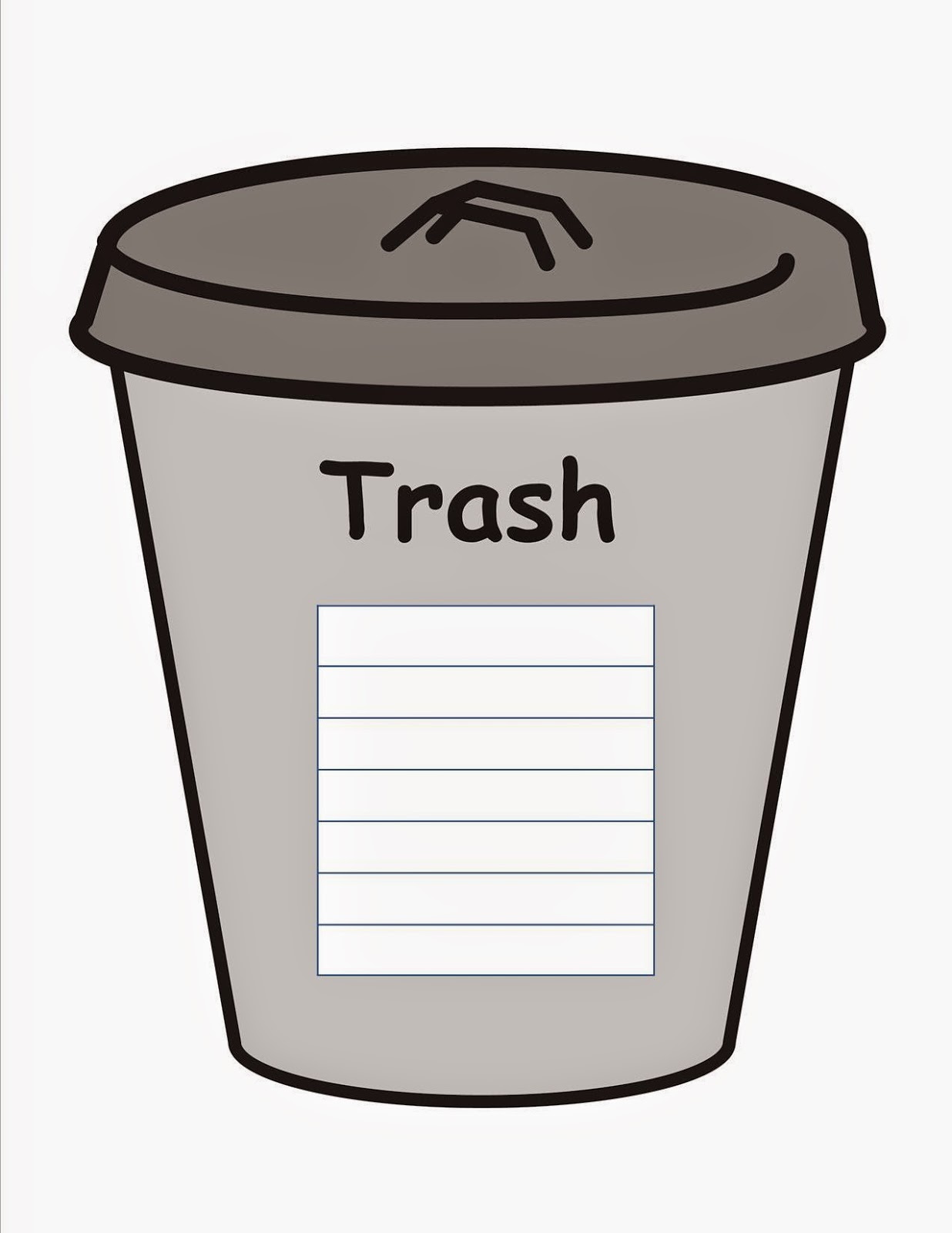
On the week of Martin Luther King Jr.'s birthday, we used Dr. King's "dream" to help us practice how to cut/copy and paste. Students were asked to cut the "bad" words from Martin's Dream and paste them into the trash can. They also had to copy the "good" words from Martin's Dream and paste them into Our Dream. Not only did it help us learn the difference between cut and copy, it also reinforced Dr. King's wise words of right and wrong.
Friday, January 16, 2015
Week 18 - Cut/Copy and Paste
Subscribe to:
Posts (Atom)